Read in 8 mins
Planning a Home Renovation? Here’s How to Organize Your Product Search
If you are planning a home renovation, you will need to purchase a number of products. When the work actually starts, you will want to have everything ready to avoid delays and wasted effort. But there is method to the madness, and there are three ways to organize your product search: by space, by requirement, and by product details.
This approach helps you turn your renovation ideas into a clear shortlist that fits your home, budget, and project requirements.
Key Takeaways at a Glance
Before diving deeper, it helps to look at the bigger picture of how a product search fits into your renovation planning:
Defining a clear starting point: The way you begin looking for products can shape how easy the rest of your renovation planning becomes.
Using your inspirations to guide the search: Design references can offer more than visual ideas when you know what details to look for.
Other ways of searching: Some products are easier to discover when you start with what you "see" rather than what you know to call it.
More than looks: check the practical details before making a final decision.
Your shortlist should lead somewhere: Organizing your choices properly can make the move from finding products to sourcing them much simpler.
How to Organize Your Home Renovation Product Search
1. Start With the Spaces You Are Renovating
Begin by listing the areas of your home that need to be changed. This could include the living room, bedrooms, kitchen, bathrooms, balcony, entrance, or other spaces included in the renovation.
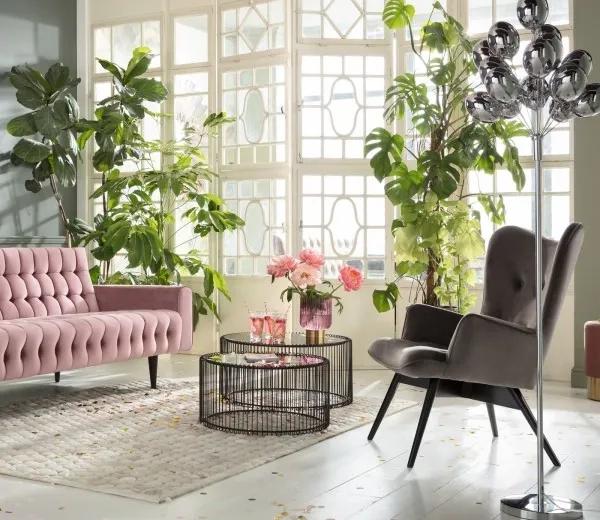
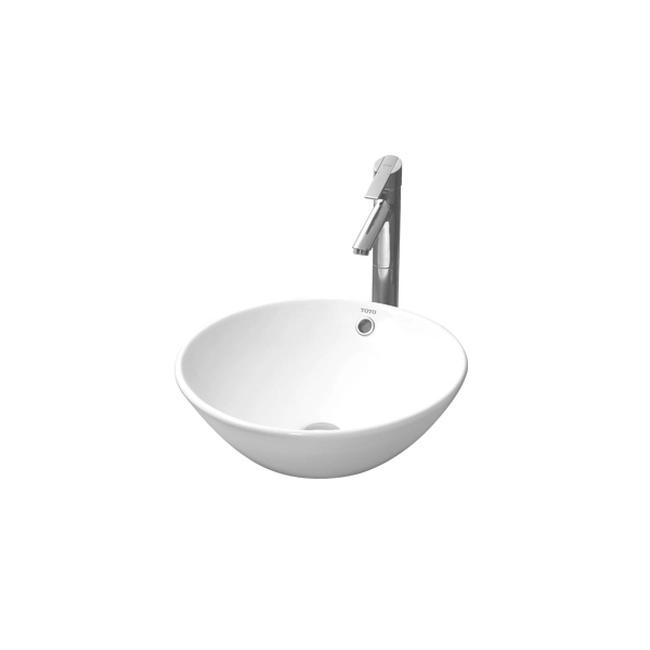
Each area will have different product requirements. Starting with a particular space gives your product search a clear direction. A living room may need flooring, a sofa, chairs, tables, lighting, curtains, rugs, wall finishes, and storage, while a bathroom may involve tiles, sanitaryware, faucets, shower fittings, mirrors, and lighting.
Instead of searching for products randomly, you can work through one area at a time and understand which products need to complement one another.
2. Turn Each Space Into a Product Checklist
Once you have identified the spaces, break them down into individual product categories.
Here are a few checklists to get you started:
Kitchen
→ Cabinets
→ Handles
→ Countertop
→ Backsplash
→ Sink
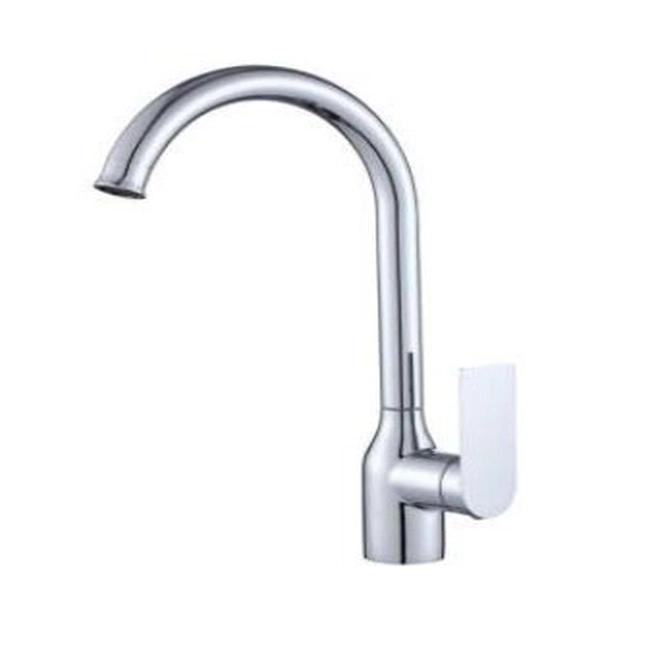
→ Faucet
→ Lighting
→ Appliances
Bedroom
→ Flooring
→ Bed
→ Bedside tables
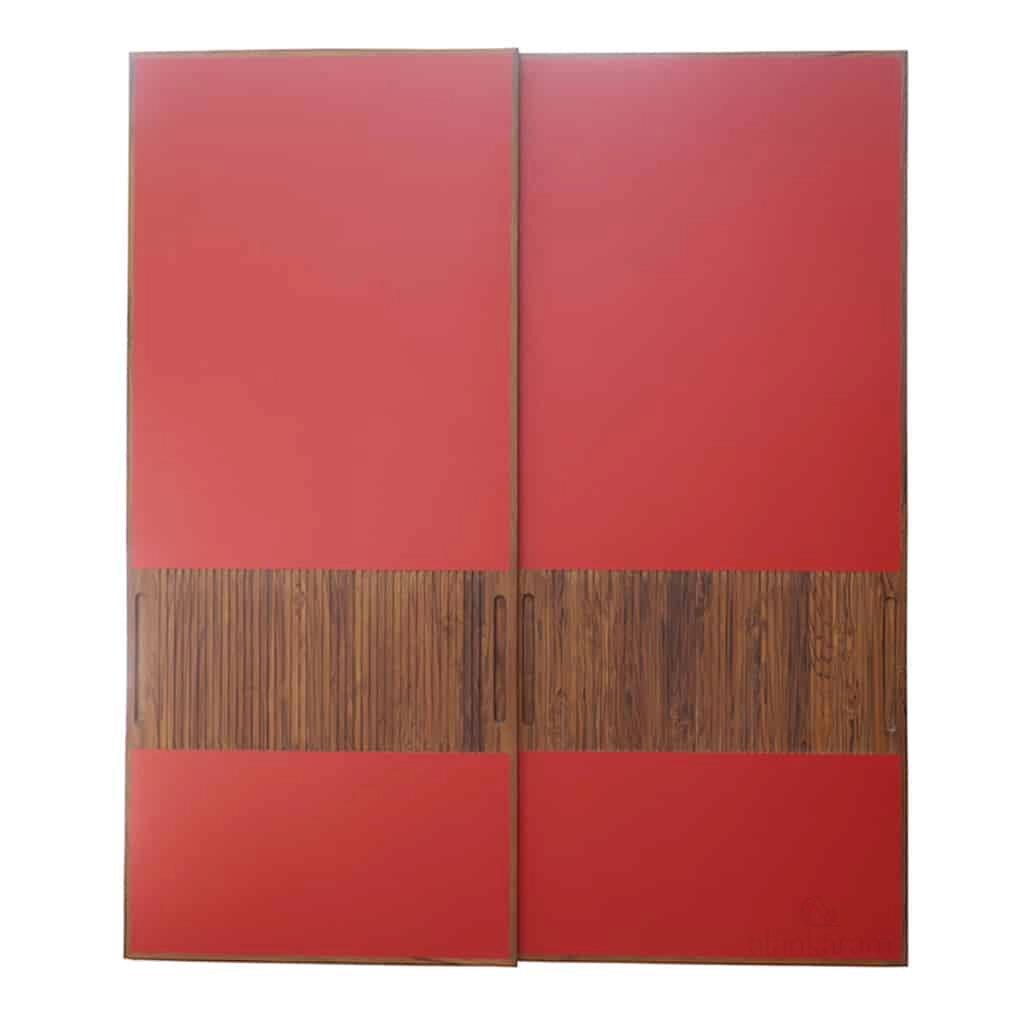
→ Wardrobe
→ Lighting
→ Curtains
→ Wall finish
This gives you a working list of what needs to be finalized and selected. It can also reveal products you may not have considered while focusing on other designs.
If you have already selected the flooring and sofa for your living room, for example, your checklist can show that the lighting, rug, coffee table, curtains, and wall finish still need to be decided. Keeping these requirements together makes the search easier to manage.
3. Use Your Design References to Find Products
Start with the designs that have the strongest influence on your space. For example, if you like a living room for its warm, contemporary character, the look may depend on a combination of timber flooring, a neutral sofa, a textured rug, a stone coffee table or carefully selected lighting.
Focusing on these defining products gives you a clearer starting point. You do not need to identify every object visible. Find the products that contribute most to the look you want and build the rest of your selection around them.
4. Discover Products Even When You Do Not Know What They Are Called
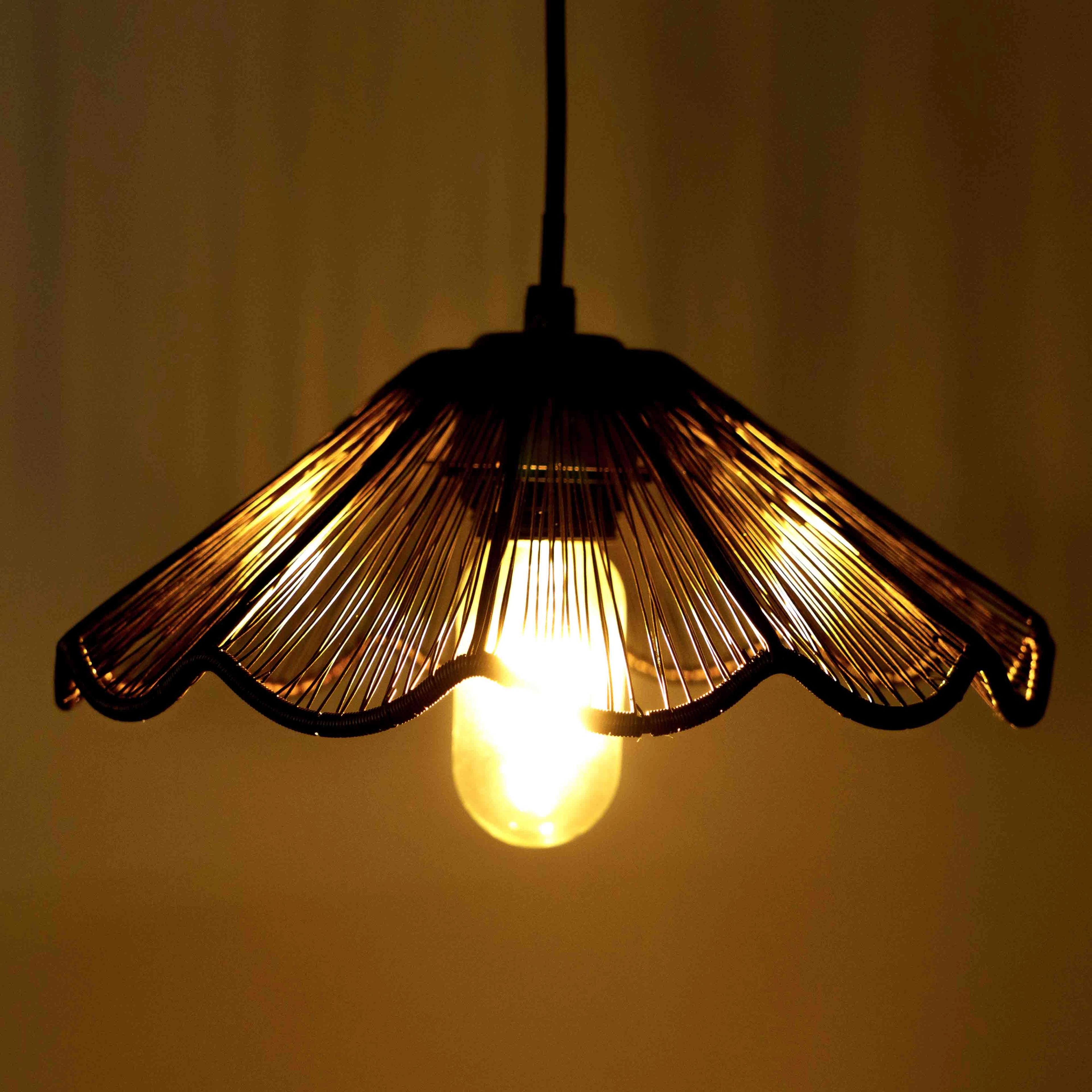
You may sometimes know exactly what you like from a visual perspective, but you might have no idea what the product is called. A curved sofa, a distinctive light fixture, a textured wall, or a particular flooring pattern can be difficult to find through keywords when you do not know the right product name or terminology.
In such cases, the image itself can become the starting point for product discovery. BuildingWorld's Ideas section supports this visual approach. When you explore an interior idea, the Lens option can identify product hotspots in the image and connect those elements to products you can explore through BuildingWorld.
This helps reduce the gap between finding an interior you like and finding the products that go with it. Rather than trying to describe an unfamiliar product through search terms, you can use the visual reference to discover relevant products.
What to Check Before Selecting a Product for Your Home Renovation
Once you have a potential product, check the details that determine whether it will work in your space.
Check the Material and Finish
Two products can appear similar in an image while having different materials, textures, or surface finishes. Confirm the actual material and finish before adding a product to your final selection, particularly when several surfaces will be used together in the same room.
Check Dimensions and Scale
The dimensions of a product determine how it will relate to your space. A sofa that works in a large living room may overwhelm a smaller one, while a dining table that matches your reference may leave insufficient space to move around.
Compare product dimensions with your room measurements, ceiling height, circulation space, and surrounding furniture before making a selection.
Check Application and Specifications
A product should suit the way you intend to use it. Review its application, specifications, installation requirements, maintenance considerations, and other relevant product information.
This is particularly important when selecting products for areas with specific requirements, such as kitchens, bathrooms, or outdoor spaces. The product needs to work practically in the environment, not just match the appearance of your inspiration.
Check Availability and Lead Time
The right product also needs to be available when your renovation requires it. Check the required quantity, supplier availability, delivery timeline, customization options, and warranty information where applicable.
This becomes especially relevant when several stages of your renovation depend on one another. A product that arrives late can affect installation and delay other work.
Keep Your Product Choices Easy to Compare
As you search, you may find several products that could meet the same requirement. Keeping the information together makes it easier to compare them without repeatedly returning to different websites or saved images.
For example:
Product | Material / Finish | Dimensions | Application | Price | Supplier | Status |
Option A | … | … | … | … | … | Shortlisted |
Option B | … | … | … | … | … | Comparing |
Option C | … | … | … | … | … | Alternative |
The list does not need to be complicated. Its purpose is to help you see the differences between your options and keep track of what has already been considered.
You can also organize products by status, such as ‘To Find’, ‘Shortlisted’, ‘Selected’ and ‘Ordered’. This gives you a clearer view of what still needs attention as the renovation progresses.
Traditional Search and Visual Product Discovery Can Work Together
Traditional product search works best when you already know what you need. You can narrow your search by product category, material, specifications or other known details to find relevant options.
Visual product discovery is useful when your starting point is an image rather than a product name. You may know the look, style, or design you want, but not know the product’s name or category. In such cases, an image can help you explore relevant products without even needing to know the exact product terminology.
Product Search Factor | Traditional Product Search | Visual Product Discovery |
Starting point | Product name, category, or specification | Interior image or visual reference |
Useful when | You know what product you need | You know how you want it to look |
Unknown products | Difficult without the right terminology | Allows exploration from the visual reference |
Design context | Product is searched independently | Product remains connected to the inspiration |
Shortlisting | Requires filtering search results | Starts with visually relevant products |
Using both approaches gives you a more practical product-search process. You can start with an image when you are unsure what to search for, then use product information to determine which options best fit your home.
Move From Product Selection to Sourcing
Once you have shortlisted the products, the next step is to identify the brands and suppliers that can provide them.
BuildingWorld brings product discovery and supplier connections into the same journey. You can explore products across building and interior categories, discover brands, and move from your requirements towards sourcing.
If you already know the products you need, the Post a Requirement option lets you share those requirements directly instead of searching for each product and supplier separately. You can describe what your project needs and connect with relevant suppliers who can help fulfil those requirements. This is particularly useful for renovation projects involving multiple categories, as it keeps your product requirements together while helping you take the next step towards sourcing.
Turn Your Renovation Ideas Into a Clear Product Plan
A renovation product search becomes easier to manage when you do not treat every product as a separate search. Start with the spaces you are renovating, turn each space into a product checklist, use your design references to discover the products that define the look, and then evaluate those products based on the material, finish, dimensions, application, specifications, availability, and cost.
Keeping those choices organized gives you a clear path from inspiration to shortlist to sourcing, rather than leaving you with a collection of saved images and uncertain product choices.
BuildingWorld helps connect these stages through product discovery, design inspiration and brand and supplier connections, making it easier to move from the renovation you have imagined to the products you need to bring it together.