Read in 8 mins
How to Find the Products Behind an Interior Design You Love
If you are planning interiors for your home or office, you have most likely browsed the internet for some ideas. However, if you want to actually recreate the same style, you will face the challenge of procuring the products in the image or video, like a plush sofa set or a particular type of flooring.
Key Takeaways at a Glance
Before diving deeper, here is what you need to keep in mind when finding products from an interior design image:
Create a checklist of the things you love in the design: Your reference already contains useful information about the products, materials, colours, textures, and styles you want to explore.
Evaluate before selecting: Material, finish, dimensions, application, specifications, availability, and budget still determine whether a product works for your space.
Use StudioWorld’s AI Visualizer before committing: Seeing a selected product within your own interior can help you understand how its scale, colour, and finish fit into the real space.
How to Turn Interior Design Inspirations Into Products You Can Actually Find
Once you have an interior reference that gives you the direction you want, the next step is to understand which products contribute to that look. A visual-first approach helps you move from the image to relevant products without having to describe everything through keywords first.
1. Begin With the Design Reference
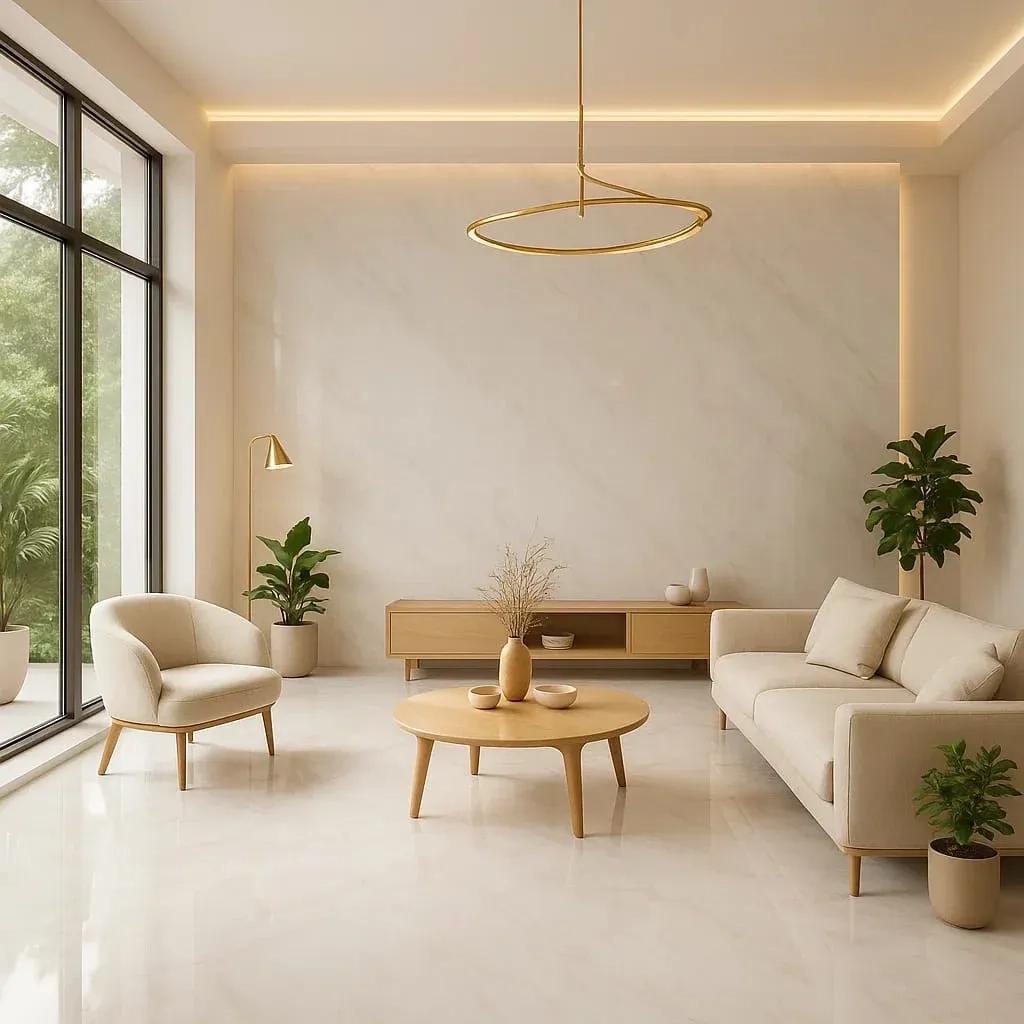
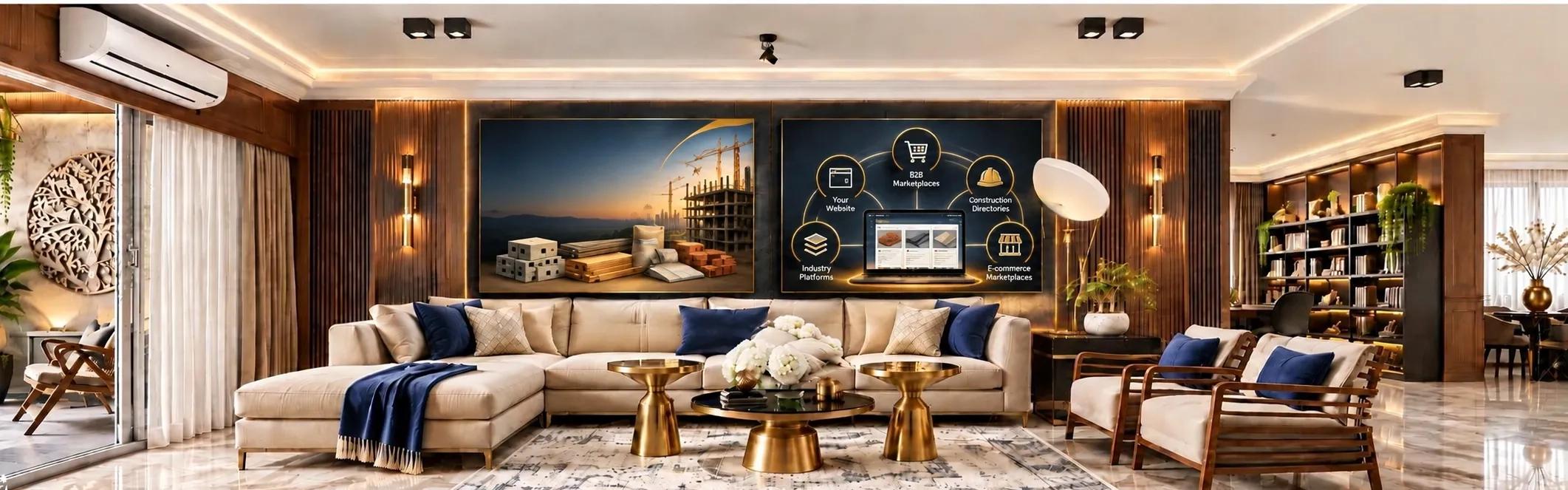
Identify the anchor elements shaping the space. In your living room, this might be a low-profile sectional or a textured feature wall. In your bedroom, it could be an upholstered headboard or floor-to-ceiling drapery.
Your reference photo provides the visual blueprint. Use these visual markers as your entry point for product discovery rather than searching for product names you might not know.
Reference Inspection Checklist:
[ ] Silhouette & Form: Note whether furniture profiles are curved, blocky, low-slung, or elevated on tapered legs.
[ ] Colour Palette & Undertones: Identify the dominant base shade, secondary neutral tones, and accent colours.
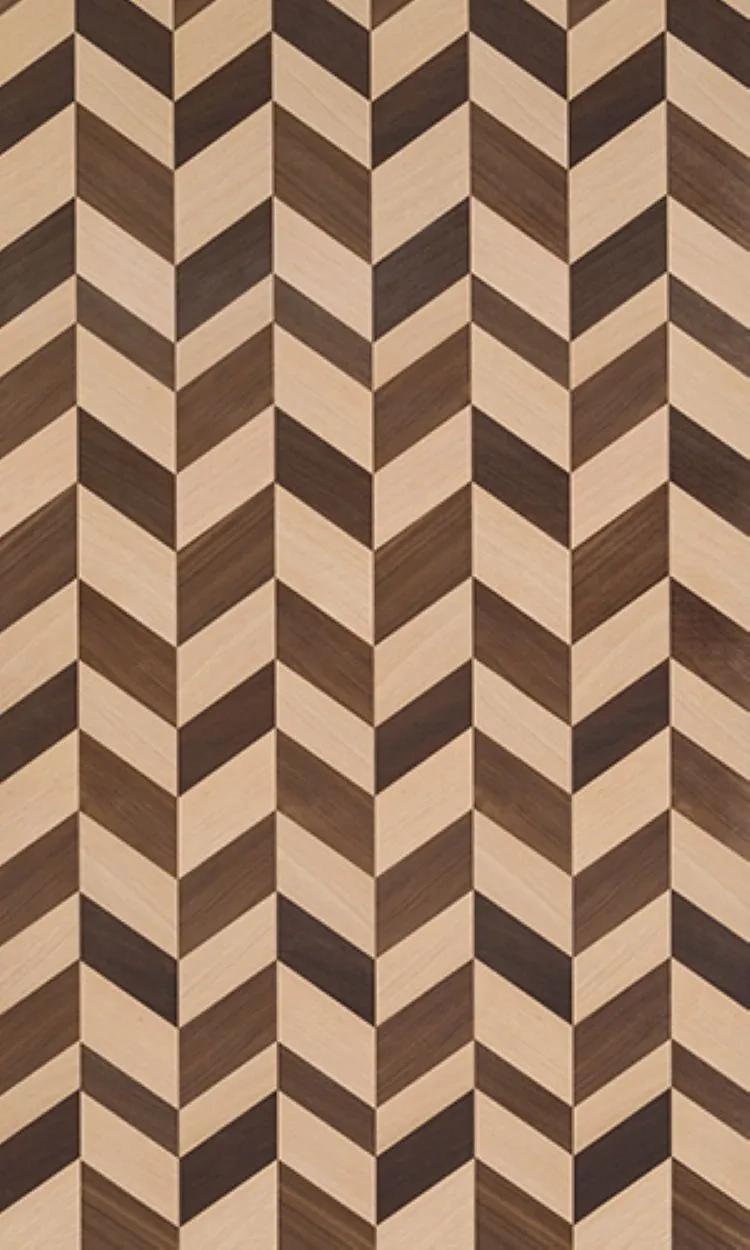
[ ] Surface Textures: Pinpoint visual texture, such as bouclé upholstery, ribbed wood panels, matte plaster, or high-gloss stone.
[ ] Lighting Direction: Observe where light sources hit the room, noting integrated LED strips, pendant drops, or floor fixtures.
2. Focus on the Products That Define the Look
Prioritize high-impact items that dictate the room's character. If a room's structure catches your eye, begin with major furniture pieces and primary light fixtures. If the backdrop stands out, focus on flooring materials, wall treatments, and architectural finishes before sourcing smaller accessories.
Focusing on core elements prevents overwhelm and directs your budget toward items that define your home's aesthetic.
Priority Sourcing Checklist:
[ ] Structural Anchors: Identify the primary seating, dining tables, or bed frames that occupy the most square footage.
[ ] Backdrop Materials: List the hard surfaces, such as flooring planks, wall finishes, tile layouts, and cabinetry joinery.
[ ] Architectural Lighting: Isolate the ambient and task light fixtures that establish the room's tone.
[ ] Secondary Accents: Save rugs, throw pillows, and tabletop decor for last after major items are selected.
3. Discover Products Visually When You Cannot Name Them
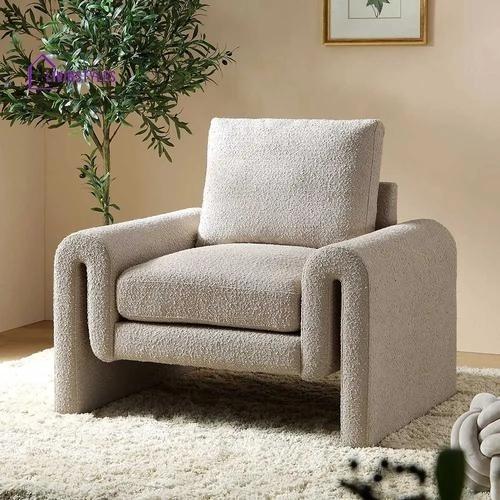
You might fall in love with a curved armchair, a unique wall finish, or a custom pendant light without knowing its commercial name or material classification.
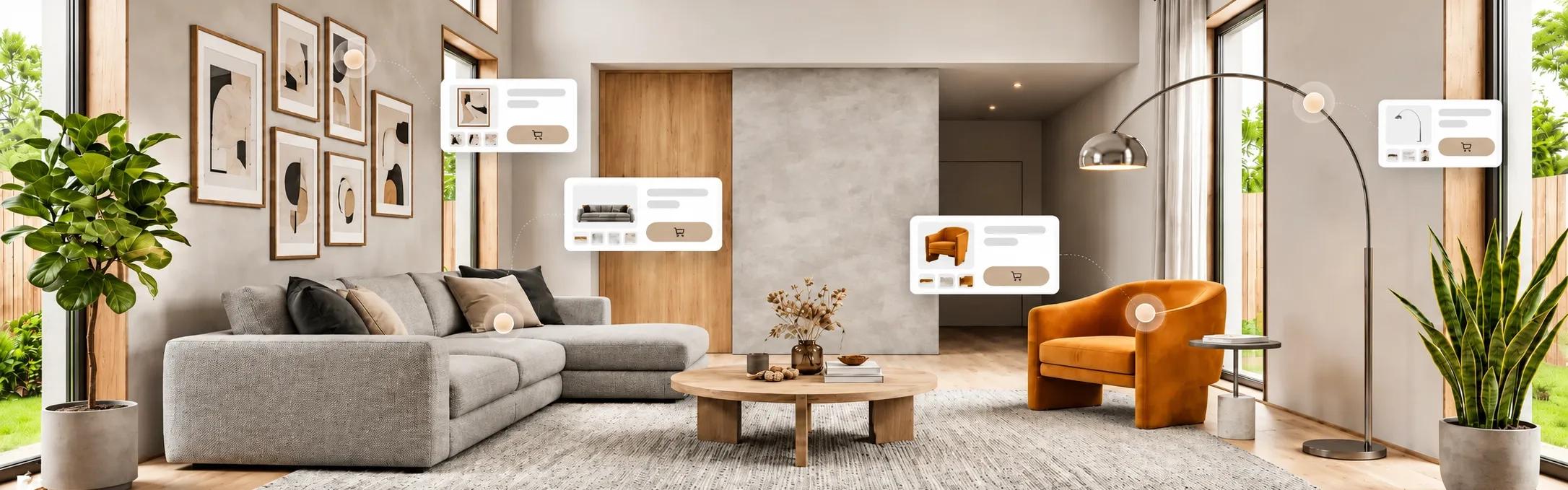
BuildingWorld’s Ideas feature bridges the gap between visual inspiration and finding the reference product that you love. By analysing your design reference, you can identify products through the Lens feature, which helps you find product hotspots from the reference image and match those visual elements directly to exact or close-matching products available on BuildingWorld. In this way, you can discover your checklist products based on appearance and eliminate random trial-and-error searches.
4. Know When You Have Found the Exact Product or an Alternative
A visually similar item is not always identical to the one in your reference image. A sofa might share the same shape but use a different fabric grade.
Determine whether a discovered item is an exact match or a visual alternative. Alternatives prove essential when the original item is discontinued, beyond your budget, or impractical for your floor plan.
From an Interior Design Image to a Product Shortlist
Once you have discovered potential products, compare them with the requirements of your space. Look at dimensions, material, finish, colour, application, specifications, availability, warranty, and price where relevant.
Scale is particularly important. A sofa that works in a large living room may overwhelm a compact space. A dining table may match the reference but leave too little room for movement. A pendant light may have the right appearance but be too large for the ceiling height.
Material and finish also influence the result. A timber finish can appear different under natural and artificial light. A textured wall finish can produce different effects depending on the material and application. Upholstery, stone, metal, glass, and other surfaces can change the character of the same design direction.
This is why product discovery is only the beginning. The final selection still needs to make sense within the space you are creating.
Traditional Product Search vs. Visual Product Discovery
Product Discovery Factor | Traditional Product Search | Visual Product Discovery |
Starting Point | Product name, category, keyword, or specification | Interior image, visual reference, material, finish, or design |
Best Used For | When you already know the product you need | When you know how you want the product to look |
Product Discovery | Depends on how accurately you can describe the product | Uses the visual information already present in the reference |
Unknown Products | Can be difficult to find without the right terminology | Gives you another way to explore products you cannot name |
Design Context | Product is often separated from the original inspiration | Product remains connected to the interior reference |
Shortlisting | Requires filtering broad search results | Starts with products that have a visual connection to the reference |
Evaluation | Specifications are usually checked after discovery | Relevant products can move directly into product evaluation |
Visual Validation | Often requires a separate visualization step | Can connect naturally with visualizing the product in your space |
Traditional search remains useful when you already know the product category or specifications you need.
Visual discovery becomes especially useful when the strongest information you have is the product's appearance within an interior.
Using both approaches creates a more practical journey. The image helps you discover relevant products, while product information helps you determine which options actually suit your space.
What to Check Before Selecting a Product From an Interior Reference
After finding the product that matches your inspiration, verify its specifications before adding it to your final selection.
Check the Material and Finish
Two products can look almost identical in an image even when made from different materials, textures, or surface finishes. Confirm the actual material and finish so the product creates the appearance you want in your space.
Check Dimensions and Scale
Product dimensions determine how an item relates to the surrounding space. Furniture, lighting, storage, sanitaryware, and other interior products need to work with the room dimensions, circulation, ceiling height, and surrounding elements.
Check Application and Specifications
A product should suit the way you intend to use it. Review its application, specifications, installation requirements, maintenance considerations, and other relevant product information before finalizing your choice.
Check Availability and Sourcing
The right product also needs to be available when you need it. Check supplier availability, lead times, customization options, delivery requirements, and warranty information where applicable.
Visualize the Product Before Bringing It Into Your Space
The product may look perfect in the reference but still feel different in your actual space because of the room size, surrounding colours, existing furniture, flooring, lighting, or placement.
BuildingWorld's StudioWorld AI Product Application helps you take the selected product into the context of your own interior. You can visualize the product within your space and see how its appearance works alongside the elements already present.
This can make product selection more practical, particularly when you are comparing furniture, finishes, colours, or other visible interior elements.
StudioWorld also includes AI Interior Design, AI Prompt/Edit, Sketch to Image, and AI Style Transfer for different stages of design exploration. For the journey from an inspiration image to a specific product, AI Product Application is especially relevant because it lets you see the selected product within the space you are planning.
The result is a more connected process. You can move from discovering a product to understanding how it contributes to your own interior before making the final selection.
From Inspiration to Products Without Losing the Design You Love
Finding an interior design you love should give you a clearer direction for your own space, not leave you with a folder full of images and no idea where to begin sourcing.
The most useful product discovery process keeps your original inspiration at the centre. The interior reference shows you the visual direction. Lens helps you discover products within that inspiration. Product information helps you understand what you are considering. StudioWorld helps you visualize selected products within your own space.
This makes the journey from inspiration to sourcing more connected. You don't have to start with a product name when you already have a design you love.
You can begin with the image, discover the products behind it, explore suitable alternatives, and visualize your selections before moving ahead with your interior.
BuildingWorld helps bring those stages together, making it easier to move from finding an interior design you love to finding the products that can help you create that look in your own space. Explore your next interior inspiration and find the products behind it with BuildingWorld.